
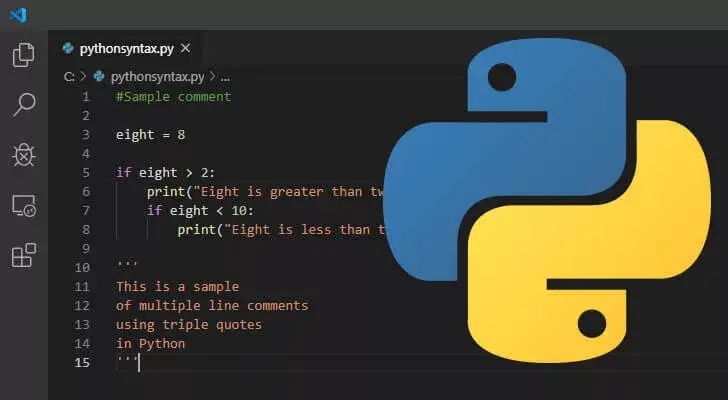
Great! Now that we know what Python is and where it came from, it’s time to get our hands dirty. In this article, I’m going to walk you through Python Syntax.
Think of “Syntax” as the grammar of a language. Just like a sentence needs a period at the end to make sense, Python has specific rules you need to follow so the computer understands what you’re asking.
Let’s dive into how Python “talks.”
1. How We Execute Python
Before we write complex logic, we need to know how to run it. There are two main ways I usually run my code:
The “Quick Sketch” (Interactive Mode)
If I just want to test a single line of code, I use the Command Line (or Terminal)1. You just type python, and once you see the >>> symbol, you’re live!
>>> print("Hello, World!")
Hello, World!
The “Full Script” (Python Files)
For real projects, I write my code in a text editor2 and save it with a .py3 extension (like app.py). Then, I tell my computer to run that specific file:
Bash
C:\Users\YourName> python myfile.py
2. The Golden Rule: Indentation
This is the part that trips up most beginners coming from languages like C++ or Java. In those languages, you use curly brackets { } to group code. In Python, we use spaces.
The Analogy: The Bulleted List Think of indentation like an outline for an essay. When you indent a point, it belongs to the heading above it.
How it looks in code:
if 5 > 2:
    print("Five is greater than two!") # This is indented, so it "belongs" to the 'if' statement
What happens if you forget?
If you skip the indentation, Python won’t just be confused—it will actually stop running and give you a Syntax Error.
Python
# ❌ This will cause an ERROR
if 5 > 2:
print("Five is greater than two!")
Pro Tips for Indentation:
- How many spaces? Most programmers (including me) use 4 spaces. Technically, you can use just 1 space or even a whole tab, but 4 is the industry standard.
- Be Consistent: You cannot mix space counts in the same block. If the first line has 2 spaces, the next line must also have 2. If you jump to 8 spaces suddenly, Python will throw an error. 😁
3. Creating Variables (On the Fly)
In many languages, you have to “declare” a variable by telling the computer what kind of data it is (like an integer or text). Python is much smarter than that.
In Python, a variable is created the moment you assign a value to it.
x = 5                # x is now an integer
y = "Hello, World!"  # y is now a string (text)

print(x)
print(y)
It’s like putting a label on a box. You don’t need to build the box first; you just put the item on the table and slap a label on it.
4. Writing Notes for Yourself: Comments
Sometimes I write code that is so complex I know I’ll forget what it does by next week. That’s where Comments come in.
Anything starting with a # is ignored by Python. It’s purely for us humans to read.
# This is a comment - Python will skip this line
print("This will run!")

# print("This won't run because I 'commented it out'")
I use comments to explain the “Why” behind my code, not just the “What.”
Important Notes
- Command Line: A text-based interface where users type commands to interact with a computer’s operating system or software. ↩︎
- Text Editor: A software application used for creating and editing plain text files, often for coding or writing. ↩︎
- .py: The file extension for Python scripts, indicating the file contains Python code. ↩︎

Responses (0)
Join the conversation.
Log in to write a response